
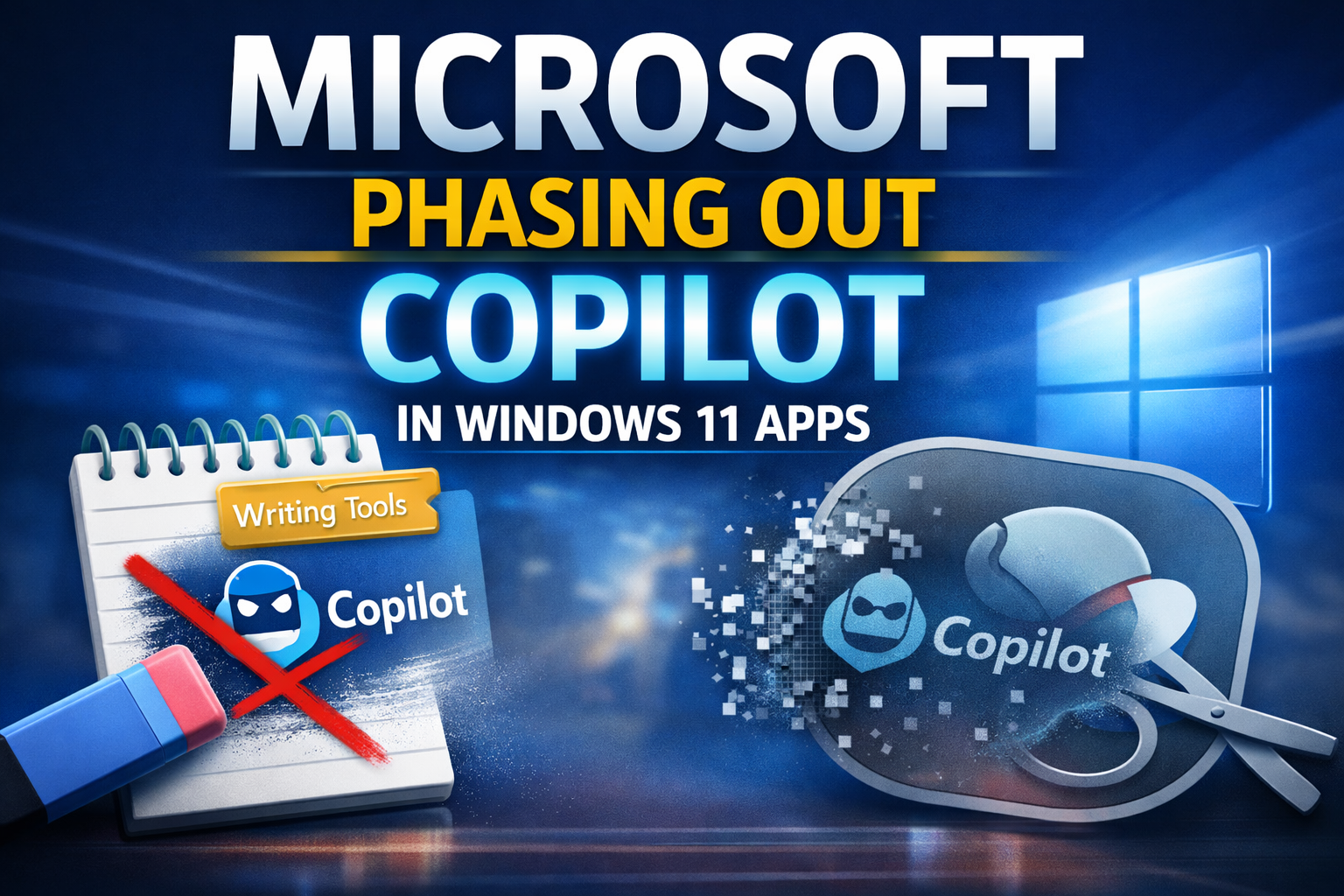
Microsoft has started removing Copilot branding from several built-in apps in Windows 11, signaling a shift in how the company presents its AI features. This change is part of a broader effort to simplify the user interface and reduce what Microsoft describes as excessive Copilot entry points across the system.
Currently, these updates are visible in preview builds available to Windows Insiders, with a wider rollout expected in upcoming update
Copilot Buttons Disappear from Native Apps
Microsoft has begun removing the Copilot button from apps like Notepad and Snipping Tool.
- In Notepad, the Copilot shortcut has been replaced with a new “Writing Tools” menu.
- In the Snipping Tool, the Copilot button no longer appears when selecting an area to capture.
The company has also confirmed that similar changes are being introduced across other apps, including Photos and Widgets.
These adjustments are part of a larger initiative to streamline the user experience by reducing redundant AI entry points.
AI Features Still Remain Fully Functional
Despite the removal of Copilot branding, the AI-powered capabilities themselves are not going away.
For example, Notepad’s new Writing Tools menu still offers the same AI-driven features previously associated with Copilot. This indicates that Microsoft is not eliminating AI functionality but instead changing how it is presented.
Rather than highlighting AI as a separate feature, the company appears to be integrating it more naturally into everyday app experiences.
Table of Contents
A Broader Shift in Windows 11 Design Strategy
This move aligns with Microsoft’s ongoing efforts to refine the overall experience in Windows 11. Over time, the addition of multiple Copilot buttons and shortcuts across apps created a more cluttered interface.
By consolidating these features into simpler menus, Microsoft aims to deliver a cleaner, more intuitive design while still keeping AI tools accessible in the background.
What This Means for Users
For users, the update means fewer visible AI shortcuts—but no loss in functionality.
Tasks like rewriting text or using AI-assisted tools in apps such as Notepad will still be available, just located within different menus. The core experience remains unchanged, but the interface becomes less crowded.
Conclusion
Microsoft’s decision to scale back Copilot branding reflects a strategic shift. Instead of promoting AI as a standalone feature, the company is focusing on embedding it seamlessly into everyday workflows within Windows 11.
This approach prioritizes usability and simplicity, ensuring that AI enhances the user experience without overwhelming it.
1 thought on “Windows 11 ;Microsoft Begins Phasing Out Copilot Branding in Apps”