
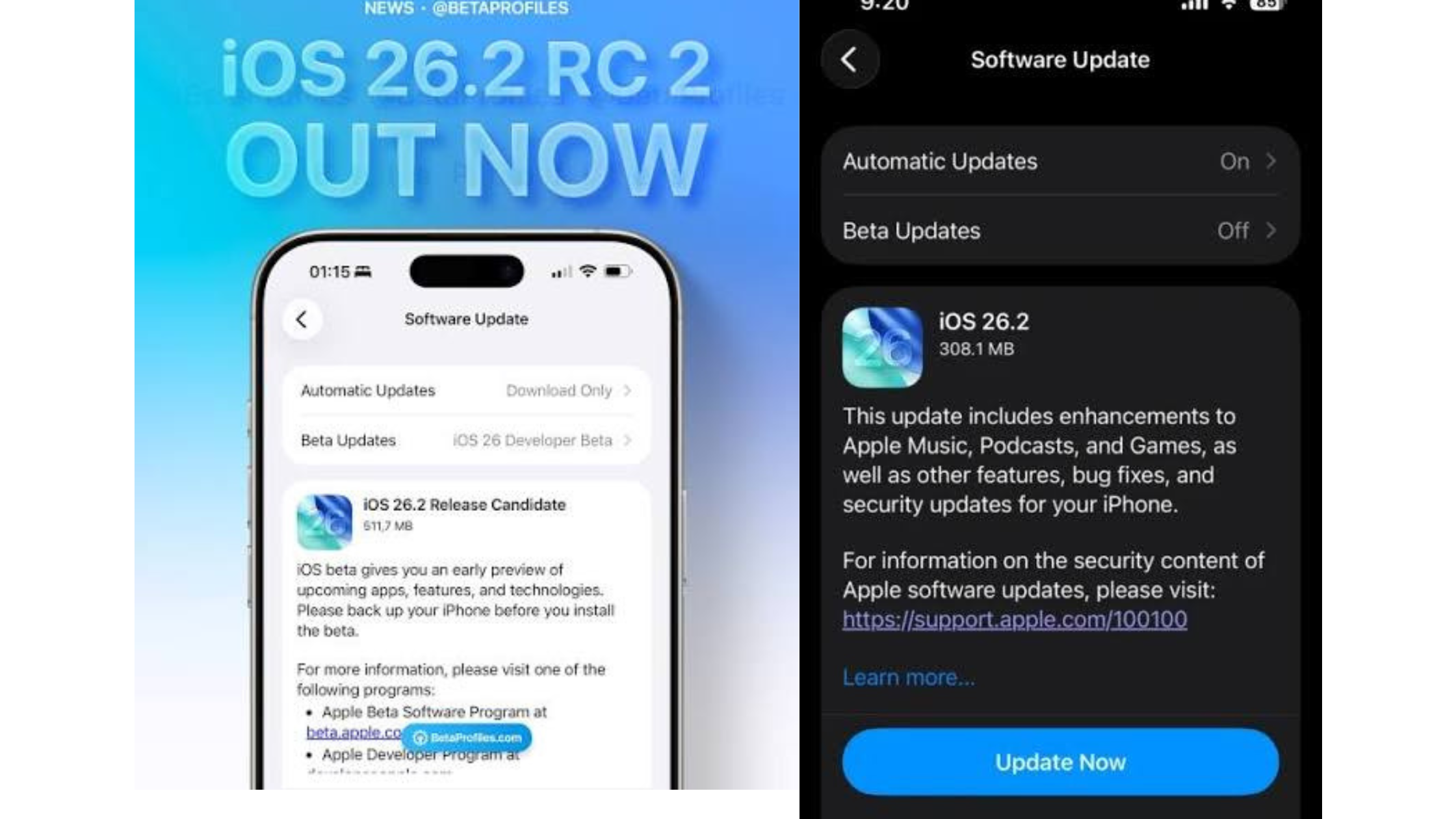
Apple officially released iOS 26.2 on Friday, December 12, 2025, marking the second major update to its highly anticipated iOS 26 operating system. This update delivers substantial quality-of-life enhancements, user interface refinements, and critical security patches designed to improve daily usability and device safety.
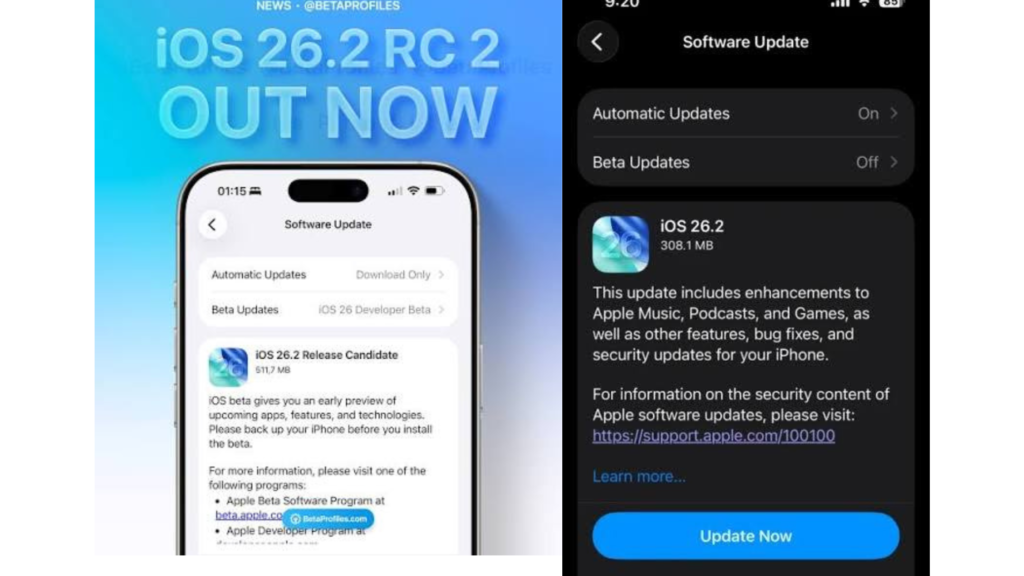
Understanding the iOS 26.2 Update
The update is a robust delivery of user-requested tweaks and essential maintenance. It is available for all supported iPhones from the iPhone 11 onwards. Users should install this update promptly via Settings > General > Software Update to benefit from the new features and ensure their device remains secure.
New Features in iOS 26.2
The most visible changes in this iOS 26.2 update center on customization and enhanced visual feedback, building upon the new design language introduced in iOS 26.
- Lock Screen Liquid Glass Customization: A highly requested feature, users can now find a new slider within the Lock Screen customization settings. This allows adjustment of the transparency of the “Liquid Glass” effect used for the clock and notifications, enabling a cleaner look or a more pronounced aesthetic depending on personal preference.
- Reminder Alarms: The Reminders app receives a major functional update. When creating a task, an “Urgent” priority option triggers a full, high-priority alarm at the specified time, complete with a snooze option and a persistent Live Activity on the Lock Screen. This ensures users do not miss critical, time-sensitive tasks.
- CarPlay Message Settings: For drivers, the CarPlay Messages app now offers the ability to hide pinned conversations within the settings menu, reverting the interface to a simple, less cluttered list of recent messages.
Security and App Updates for iOS 26.2
Security remains a top priority for Apple, and the iOS 26.2 release addresses significant vulnerabilities while adding practical new sharing controls.
- Enhanced AirDrop Security: Sharing content with people outside of your contact list has been made more secure. A new option allows the sender to generate a one-time, temporary code that the recipient must enter to complete the transfer.
- Critical Security Patches: Apple strongly urges all users to update their devices immediately. iOS 26.2 patches over 20 distinct security vulnerabilities. You can view official details about these patches on the Apple Support security page.
- Apple Music & Podcasts: The Music app enhances content discovery by making the “Favorite Songs” playlist more prominent. Furthermore, offline lyrics support is added for all downloaded songs. The Podcasts app improves navigation by automatically generating chapters for episodes that lack them and displaying links to mentioned content directly in the episode details.
- Freeform App Tables: The collaborative Freeform whiteboarding application now supports the insertion and formatting of tables, allowing users to organize complex information, text, and data points within the infinite canvas layout.
Health and Accessibility in iOS 26.2
The Health and Accessibility suites see targeted improvements for better data interpretation and global reach through the iOS 26.2 software update.
- Improved Sleep Scores: The algorithm used to generate Sleep Scores within the Health app has been refined, offering a more accurate assessment that aligns better with how users feel upon waking.
- Live Translation Expansion: The convenient Live Translation feature, which works seamlessly with AirPods, has expanded its geographical support to include users across the entire European Union.
- Enhanced Safety Alerts (U.S. Only): Users in the United States benefit from richer data for emergency notifications concerning natural disasters, with alerts now including detailed maps and official guidance links.